
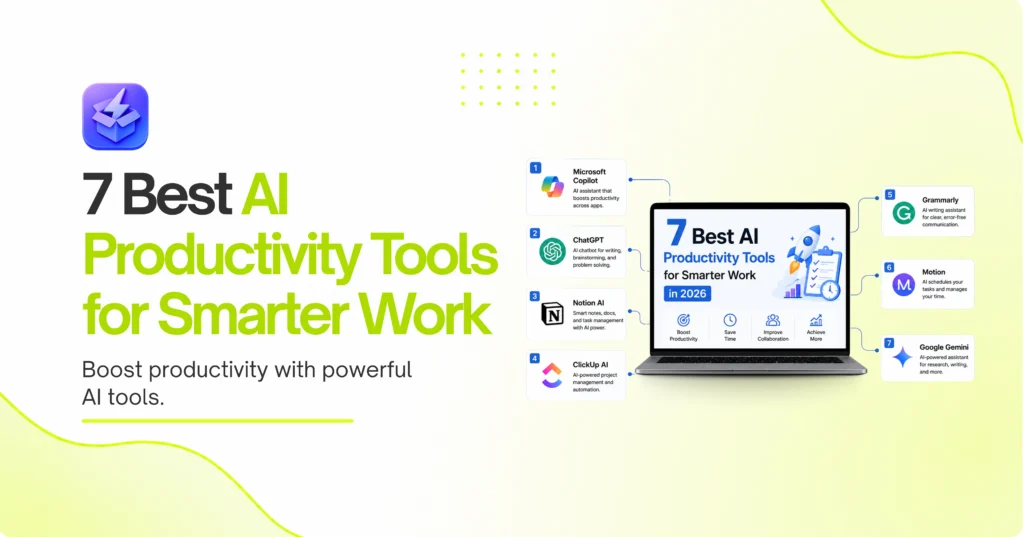
7 Best AI Productivity Tools for Smarter Work in 2026
Writer & Blogger
Rahul Goswami
Share
Published on
Read Time
Approx 8 min
Quick Overview
AI productivity tools help individuals and businesses automate repetitive tasks, organize information, improve collaboration, and work more efficiently. Whether you’re writing documents, managing projects, scheduling meetings, or analyzing data, AI can reduce manual work and save valuable time.
Modern AI productivity software can summarize meetings, generate emails, create presentations, organize notes, automate workflows, and provide intelligent recommendations. Some tools focus on personal productivity, while others are designed for enterprise collaboration.
The best AI productivity tool depends on your workflow and business needs. Microsoft Copilot is ideal for Microsoft 365 users, ChatGPT is a versatile AI assistant, Notion AI excels at knowledge management, ClickUp AI improves project workflows, Grammarly enhances writing, Motion optimizes scheduling, and Google Gemini integrates seamlessly with Google Workspace.
In this guide, we compare the best AI productivity tools based on features, ease of use, automation, integrations, collaboration, and overall value.
Best AI Productivity Tools Compared
| Tool | Best For | Main Strength |
|---|---|---|
| Microsoft Copilot | Microsoft users | AI across Microsoft 365 |
| ChatGPT | General productivity | AI assistant |
| Notion AI | Knowledge management | Smart writing & notes |
| ClickUp AI | Project management | AI task automation |
| Grammarly | Writing | AI writing assistance |
| Motion | Time management | AI scheduling |
| Google Gemini | Google Workspace | Workspace integration |
1. Microsoft Copilot Is the Best AI Productivity Tool for Microsoft 365
Microsoft Copilot integrates AI directly into Word, Excel, Outlook, Teams, and PowerPoint. It helps users draft documents, summarize emails, create presentations, analyze spreadsheets, and automate everyday office tasks without leaving Microsoft 365.
Key Features
- AI document writing
- Excel data analysis
- Outlook email drafting
- Teams meeting summaries
- PowerPoint presentation creation
- Microsoft 365 integration
Why Choose Microsoft Copilot?
Microsoft Copilot is an excellent choice for businesses already using Microsoft 365. It improves productivity by bringing AI into applications employees already use every day.
2. ChatGPT Is the Most Versatile AI Productivity Assistant
ChatGPT assists with writing, brainstorming, coding, research, summaries, planning, email drafting, and problem-solving. It has become one of the most widely used AI tools for professionals, marketers, students, developers, and business owners.
Key Features
- AI writing
- Research assistance
- Brainstorming
- Coding support
- Summarization
- Workflow assistance
Pros and Cons
ChatGPT is highly flexible and works across many industries. However, users should always verify AI-generated information before using it for business or technical purposes.
3. Notion AI Makes Knowledge Management Smarter
Notion AI combines note-taking, documentation, project management, and AI writing into one platform. Teams can organize information while using AI to summarize notes, draft content, and answer questions.
Key Features
- AI writing
- Smart summaries
- Knowledge management
- Document generation
- Task organization
Pros and Cons
Notion AI is ideal for teams managing large amounts of information. Businesses already using Notion can significantly improve collaboration and documentation.
4. ClickUp AI Improves Project Management
ClickUp AI helps teams automate project management tasks, generate documentation, summarize updates, create action items, and improve collaboration within a single workspace.
Key Features
- AI task summaries
- Project documentation
- Workflow automation
- Team collaboration
- Task management
Pros and Cons
ClickUp AI is well suited for organizations already using ClickUp. Smaller teams with basic project management needs may not require its advanced features.
5. Grammarly Goes Beyond Grammar Checking
Grammarly has evolved into a complete AI writing assistant. It can improve grammar, rewrite sentences, adjust tone, generate emails, and help users create professional content.
Key Features
- Grammar correction
- Tone improvement
- AI rewriting
- Email drafting
- Writing suggestions
Pros and Cons
Grammarly is excellent for professionals who write frequently. It is less suitable for broader workflow automation outside content creation.
6. Motion Uses AI for Smart Scheduling
Motion combines calendars, task management, and AI scheduling to automatically organize workdays. It prioritizes tasks, schedules meetings, and helps users stay focused.
Key Features
- AI scheduling
- Calendar management
- Task prioritization
- Meeting planning
- Time optimization
Pros and Cons
Motion is especially useful for professionals with busy schedules. Users with simple scheduling needs may not require its advanced automation capabilities.
7. Google Gemini Enhances Google Workspace
Google Gemini integrates AI across Gmail, Docs, Sheets, Meet, and other Google Workspace applications. It helps users draft emails, summarize documents, generate content, analyze spreadsheets, and collaborate more efficiently.
Key Features
- Gmail AI
- Google Docs writing
- Spreadsheet analysis
- Meeting summaries
- Workspace integration
Pros and Cons
Google Gemini is a strong choice for organizations already using Google Workspace. Businesses outside Google’s ecosystem may benefit more from other AI tools.
How to Choose the Best AI Productivity Tool
The best AI productivity tool depends on your existing software and daily workflow. Microsoft 365 users should consider Copilot, while Google Workspace users may benefit most from Gemini. ChatGPT offers flexibility across many different tasks, and Notion AI is ideal for documentation and knowledge management.
Compare Core Features
Look for tools that provide:
- AI writing
- Workflow automation
- Meeting summaries
- Project management
- Scheduling
- Knowledge management
- Third-party integrations
Consider Scalability
Choose a platform that fits your current workflow while supporting future growth. Integration with your existing business applications is often more valuable than having the largest number of AI features.
Final Thought
AI productivity tools are changing how businesses and professionals work by reducing repetitive tasks and improving efficiency. Microsoft Copilot is an excellent choice for Microsoft users, ChatGPT remains one of the most versatile AI assistants, and Notion AI is ideal for organizing information.
ClickUp AI supports project management, Grammarly enhances writing, Motion optimizes scheduling, and Google Gemini strengthens Google Workspace productivity.
Before choosing a platform, compare features, integrations, pricing, and scalability. The right AI productivity tool can save time, improve collaboration, and help individuals and teams work more efficiently.
FAQ
What are AI productivity tools?
AI productivity tools use artificial intelligence to automate tasks, improve organization, generate content, summarize information, and enhance collaboration.
Which AI productivity tool is the best?
Microsoft Copilot, ChatGPT, and Notion AI are among the best options, depending on your workflow and software ecosystem.
Are AI productivity tools suitable for small businesses?
Yes. Many AI productivity tools are affordable and help small businesses save time while improving efficiency.
Which AI tool is best for writing?
Grammarly, ChatGPT, Microsoft Copilot, and Notion AI are excellent choices for AI-assisted writing.
Do AI productivity tools integrate with other software?
Yes. Most leading AI productivity tools integrate with email platforms, project management software, cloud storage, calendars, CRM systems, and workplace collaboration tools.