

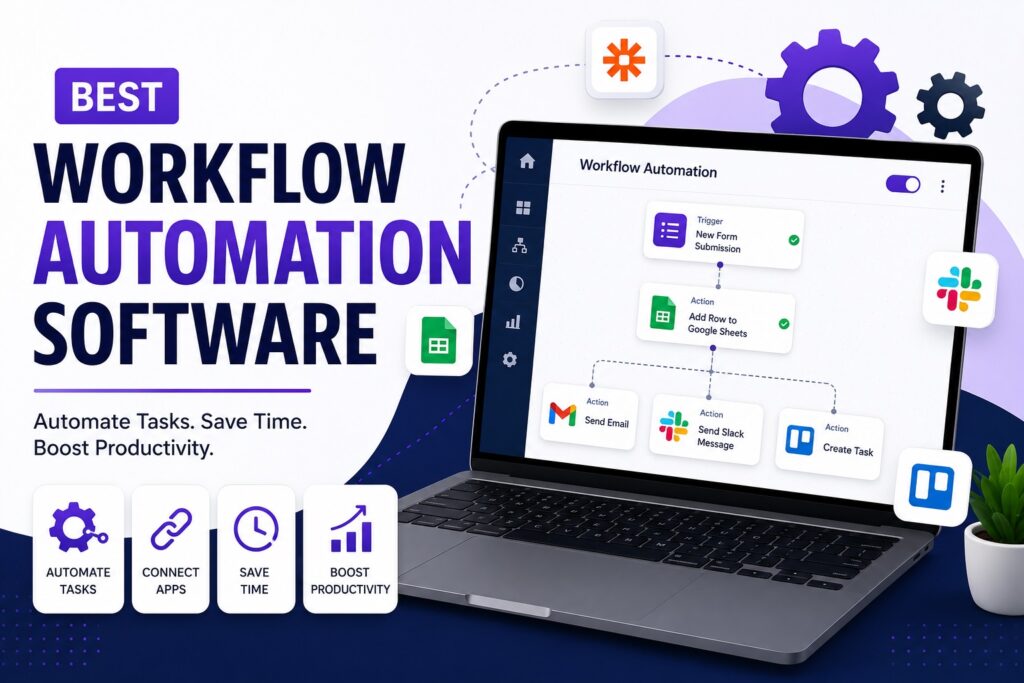
7 Best Workflow Automation Software for Modern Teams
7 Best Workflow Automation Software for Modern Teams Writer & Blogger Rahul Goswami Share Published on July 26, 2026 Read Time Approx 8 min Quick Overview Workflow automation software helps businesses automate repetitive tasks, connect different applications, and reduce manual work. Instead of copying information between tools, sending repeated notifications, or manually assigning tasks, teams can create workflows that perform these actions automatically. For example, a new lead can be added to a CRM, assigned to a sales representative, and followed up with an email without anyone completing these steps manually. The best workflow automation software depends on your team’s technical knowledge, workflow complexity, integrations, and budget. Zapier is a strong option for beginners and businesses that need simple app connections. Make is better for complex visual workflows, while n8n offers greater flexibility for technical teams. Microsoft Power Automate is ideal for businesses already using Microsoft 365. Workato is designed for enterprise automation, while monday.com and ClickUp combine automation with project and task management. In this guide, we compare the best workflow automation software based on ease of use, flexibility, integrations, scalability, and overall value. Best Workflow Automation Software Compared Software Best For Main Strength Zapier Beginners Easy app automation Make Complex workflows Visual workflow builder n8n Technical teams Code and self-hosting Power Automate Microsoft users Microsoft 365 integration Workato Enterprises Large-scale automation monday.com Operations teams Work management automation ClickUp Growing teams Tasks and automation 1. Zapier Is Best for Simple Workflow Automation Zapier is one of the most popular workflow automation platforms. It allows users to connect thousands of applications and create automated workflows without writing code. A typical Zapier automation starts with a trigger and then performs one or more actions. For example, when someone submits a form, Zapier can automatically add the person to a CRM, send an email notification, and create a follow-up task. Key Features Pros and Cons Zapier is easy to use and suitable for beginners, marketers, agencies, and small businesses. Its main drawback is that costs can increase as automation volume grows. However, for teams that want to create automations quickly, Zapier remains one of the best options. 2. Make Is Better for Complex Visual Workflows Make is a powerful alternative to simpler automation platforms. Its visual scenario builder allows users to create complex workflows with multiple branches, conditions, and data-processing steps. This makes Make useful for lead routing, CRM automation, marketing workflows, e-commerce processes, and API-based integrations. Key Features Pros and Cons Make provides more flexibility than many beginner-focused tools. However, its advanced features can create a steeper learning curve. It is best for power users and teams that need greater control over how their workflows operate. 3. n8n Offers Flexibility for Technical Teams n8n is designed for developers and technical teams that want greater control over their automation infrastructure. It supports visual workflows, custom code, APIs, webhooks, and self-hosting options. The platform can be used for AI workflows, data processing, custom integrations, internal tools, and automated reporting. Key Features Pros and Cons n8n offers excellent flexibility and control, especially for technical users. However, beginners may find it more difficult to learn than Zapier or other no-code tools. It is best suited to teams with developers or technical expertise. 4. Microsoft Power Automate Fits Microsoft 365 Users Microsoft Power Automate is a strong choice for businesses that already use Microsoft 365. It can connect tools such as Outlook, Excel, Teams, SharePoint, and other Microsoft services. Businesses can use it to automate approvals, employee onboarding, document processing, notifications, and internal processes. Key Features Pros and Cons Power Automate is a natural choice for Microsoft-focused organizations. Its main drawback is that the platform can feel complex for beginners. However, companies already using Microsoft’s ecosystem may find it highly effective. 5. Workato Is Built for Enterprise Automation Workato focuses on large-scale business automation and integration. It is designed for organizations that need to connect CRM, ERP, HR, finance, marketing, and other business systems. Key Features Pros and Cons Workato is suitable for large organizations with complex automation requirements. It may be more than a small business needs, but enterprise teams can benefit from its scalability and governance capabilities. 6. monday.com Combines Automation With Work Management monday.com combines project management with workflow automation. Teams can create rules that automatically assign tasks, update statuses, send notifications, and move work between boards. Key Features Pros and Cons monday.com is a good choice for teams that want project management and automation in one platform. It may not be suitable for highly technical API-based workflows, but it works well for everyday team operations. 7. ClickUp Brings Automation Into Project Management ClickUp combines task management, project planning, documentation, and automation. Teams can automate task assignments, status changes, notifications, and recurring work. Key Features Pros and Cons ClickUp is useful for growing teams that want to manage work and automation in one place. However, its large number of features may feel overwhelming to users who only need simple automation. How to Choose the Best Workflow Automation Software Start by identifying the tasks your team repeats most often. If you need simple app connections, Zapier may be the easiest option. Make is better for complex visual workflows, while n8n is suitable for technical teams that need code and self-hosting. Microsoft users may prefer Power Automate, while large organizations may require enterprise platforms such as Workato. Teams that want automation connected to project management can consider monday.com or ClickUp. Also consider workflow volume, pricing, integrations, security, AI capabilities, and future growth before choosing a platform. Final Thought The best workflow automation software depends on your team’s needs. Zapier is ideal for beginners and businesses that want simple automation. Make offers more flexibility for complex workflows, while n8n is a strong option for technical teams that need custom code and self-hosting. Microsoft Power Automate is well suited to organizations using Microsoft 365, while Workato is designed for large enterprise environments. monday.com and ClickUp are useful for teams that want automation combined with project and