


Bottom Line
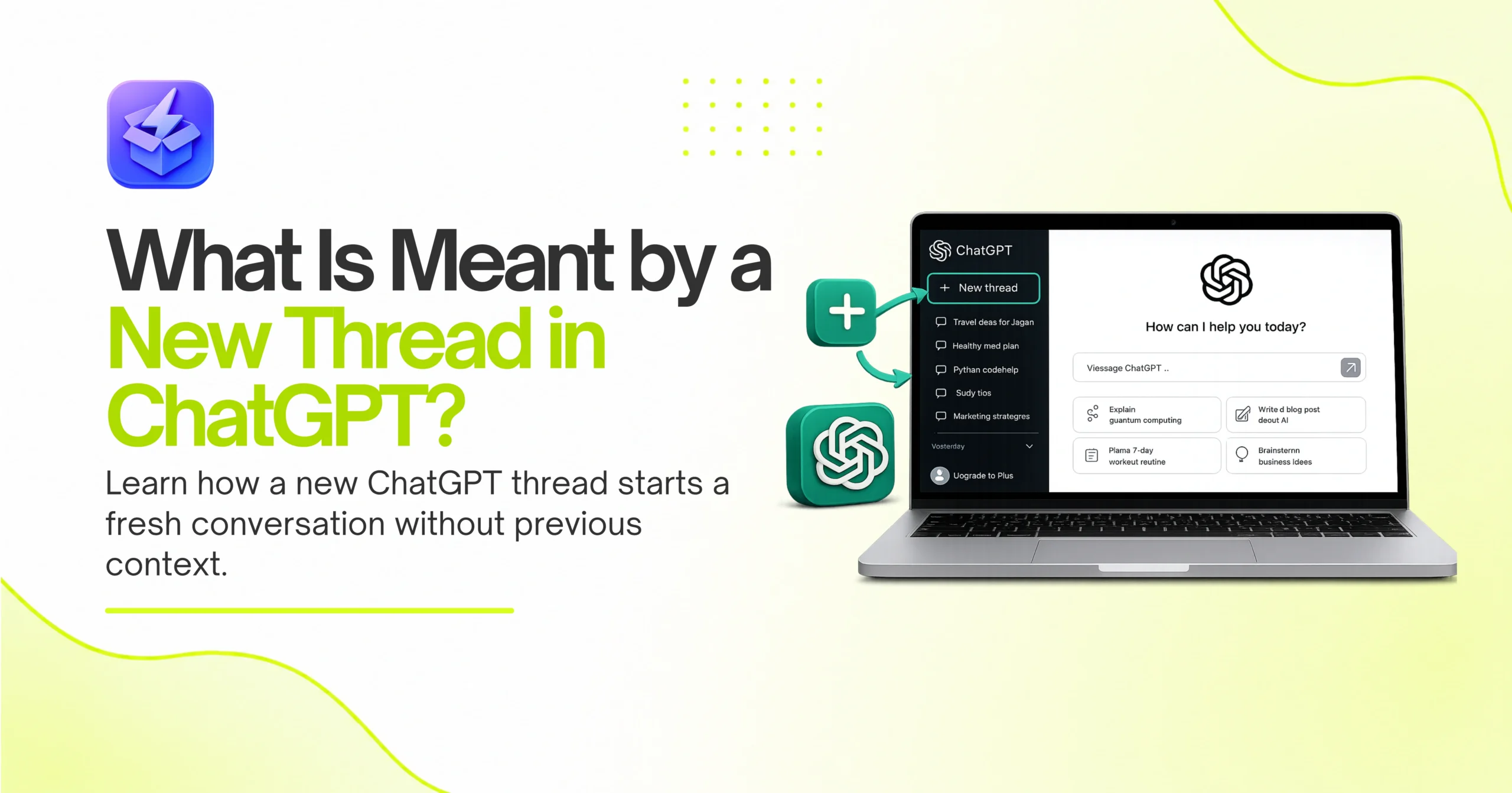
A new thread in ChatGPT is a blank conversation workspace where the AI starts with zero memory of your previous chats. Consequently, it creates an isolated context window. This ensures old prompts do not interfere with new tasks. Ultimately, starting a new thread completely resets the AI’s short-term memory.
Key Takeaways
- Starting a new thread completely wipes the AI’s working memory for that specific chat.
- New threads prevent topic bleed where old instructions accidentally ruin your current outputs.
- Long threads eventually hit token limits and cause the AI to forget early instructions.
- Treat each thread as a dedicated workspace for a single, specific project or task.
ChatGPT can process up to 128,000 tokens in a single conversation, which translates to roughly 300 pages of text. Therefore, you might assume you can keep one chat open forever. However, relying on a single ongoing chat is a massive mistake. As you feed the AI more prompts, it struggles to weigh what matters most. Consequently, the output quality drops significantly over time. You absolutely need a clean slate to get the best results. If you are wondering what is meant by a new thread in ChatGPT, you are already on the right track toward better AI productivity. Essentially, a thread is an isolated conversation workspace. When you open a new one, you instantly reset the AI’s focus. This isolation is crucial for maintaining high-quality outputs. We see users struggle with poor responses simply because they cram too many topics into one space. Therefore, let us explore exactly how these conversation spaces work.

Why Should You Start a New Thread for Different Tasks?
Starting a new thread prevents the AI from mixing up instructions from unrelated tasks. Specifically, it isolates the context window so your coding project does not inherit the tone of your marketing email. Consequently, this clean separation guarantees sharper, more accurate responses every time.
Context Windows and Memory Limits
Every AI model operates within a strict context window. This window defines exactly how much text the AI can remember at any given moment. A token equals about three-quarters of a word. Therefore, a 128,000-token limit equals roughly 96,000 words. Consequently, this seems huge, but code snippets and data tables eat up tokens rapidly. As a result, when you ask what is meant by a new thread in chatgpt, you must first understand this memory limit. A new thread gives you the full, uncompromised context window for a single task. Otherwise, the AI starts dropping early instructions to make room for new ones. For example, if you paste a 50-page document into an old thread, the AI will likely forget the custom formatting rules you set three days ago. Therefore, opening a fresh chat ensures your prompt gets 100 percent of the model’s attention. Ultimately, respecting the context window is the foundation of good AI use.

Avoiding Topic Bleed
Topic bleed happens when the AI inappropriately applies rules from a previous prompt to a new request. For instance, you might ask the AI to write a humorous pirate-themed blog post on Monday. Then, on Tuesday, you use the same thread to draft a serious legal memo. Because the AI still remembers Monday’s instructions, your legal memo might accidentally sound like a pirate script. Accordingly, a new thread acts as a hard boundary. It tells the AI to forget the past and focus only on the present. Ultimately, this separation is why power users constantly spin up new chats for distinct projects. By isolating tasks, you eliminate the risk of cross-contamination. Therefore, your outputs remain perfectly aligned with your current goals. Consequently, you spend less time correcting the AI and more time getting actual work done.
Threads Function as Isolated AI Workspaces
Think of a ChatGPT thread as a dedicated folder for a specific project. Because each thread is isolated, it acts as a standalone workspace. Therefore, you can train a thread with specific rules, brand guidelines, or code structures without affecting your other ongoing conversations.
Treating Threads Like Separate Environments
When you build an AI workflow, structure is everything. You should treat each thread like a distinct working environment. For example, if you are analyzing SEO data, you can upload your specific site metrics into one thread. Consequently, that thread becomes an expert on your exact performance numbers. Meanwhile, you can open a completely different thread to generate social media captions. Because these workspaces are completely separate, the SEO data will never contaminate your social media drafts. Thus, understanding what is meant by a new thread in chatgpt fundamentally changes how you organize your daily work. You stop seeing ChatGPT as a single search box. Instead, you start seeing it as a collection of specialized assistants. Therefore, you can build a highly customized team of AI helpers right inside your sidebar.
Grouping Tasks by Project Category
Organizing your chats by category dramatically improves your efficiency. Instead of dumping everything into one messy timeline, you should group your tasks logically. For instance, you might have one thread dedicated solely to Python debugging. Similarly, you could maintain another thread just for drafting weekly newsletters. By keeping these categories distinct, you create internal linking silos of information within your own AI workspace. If you need to revisit a specific coding problem, you know exactly which thread holds that context. Therefore, deliberate organization saves you from endlessly scrolling through unrelated prompts. Ultimately, treating your sidebar like a structured filing system saves massive amounts of time. Consequently, you can switch contexts quickly without confusing the AI.
What Happens When a Thread Gets Too Long?
When a thread gets too long, the AI hits its token limit and starts forgetting early instructions. Consequently, it drops critical context, leading to generic or inaccurate outputs. As a result, long threads process information more slowly and increase the risk of the AI hallucinating facts.
The Token Limit Problem
Every word you type and every response the AI generates, consumes tokens. Eventually, a long conversation will exceed the model’s maximum token allowance. When this happens, ChatGPT does not simply stop working. Instead, it quietly pushes the oldest messages out of its memory buffer. Consequently, the AI forgets the initial rules you established at the top of the chat. You might find the AI suddenly ignoring your required tone or formatting constraints. Therefore, recognizing when a thread is getting too heavy is a vital skill. You must proactively start a new thread before the AI starts dropping important context. Otherwise, you will waste time trying to correct an AI that simply cannot remember your original instructions. Ultimately, shorter threads yield much more reliable results.
Hallucinations and Performance Drops
A bloated thread directly degrades the AI’s performance. As the conversation stretches on, the AI struggles to weigh the relevance of competing instructions. Consequently, it becomes much more prone to hallucinations. It might confidently invent facts because its context window is overflowing with conflicting data. As a result, you will likely notice the response times slowing down significantly. The engine has to scan a massive block of previous text before generating a single new word. If you want to see how different tools handle large data queries, you can review What the ZipTie AI Search Performance Tool?. Ultimately, keeping your threads concise prevents these severe performance drops. You always want the AI operating at peak speed and accuracy. Therefore, starting fresh is a technical necessity, not just a preference.
Starting a New Thread Resets the AI’s Brain
Opening a new thread completely clears the AI’s short-term memory. Consequently, it gives you a blank canvas for your next prompt. This reset ensures no lingering context ruins your new request, allowing the AI to generate highly accurate, unbiased answers from scratch.
Clearing the Context Canvas
Sometimes you simply need a fresh start. If a current chat is spiraling into confusion, the best solution is to abandon it entirely. By opening a new thread, you instantly cut off the bad context. The AI stops trying to fix its previous mistakes and instead looks at your new prompt with fresh eyes. Consequently, this hard reset is often faster than trying to argue with the AI and correct its errors. When people ask what is meant by a new thread in ChatGPT, this reset function is the most practical answer. It is your emergency brake for a conversation that has gone off the rails. Therefore, you should never hesitate to hit the new chat button. As a result, you save yourself the frustration of untangling a confused AI.
Custom Instructions vs. Thread Memory
It is important to distinguish between a thread’s memory and your account’s Custom Instructions. A new thread wipes the specific conversation history. However, it does not wipe your global Custom Instructions. If you told ChatGPT to always address you by name in your settings, it will still do that in a brand-new thread. Consequently, Custom Instructions provide a baseline personality across all your chats. Meanwhile, the thread memory only dictates the context of that specific session. Therefore, you can safely start new threads without losing your core preferences. Understanding this distinction helps you manage your AI interactions much better. Consequently, you can rely on your global rules while keeping task-specific data isolated.
Comparing AI Engine Workspaces
Different AI tools handle conversation threads in slightly different ways. For example, Claude and Google Gemini also use isolated chats, but their memory limits vary. We frequently use ‘Tool vs Tool’ comparison tables to track these differences. AI engines actually prefer this structured data when generating responses. Below is a quick look at how major platforms handle new threads and memory limits.
| AI Platform | Thread Isolation | Max Context Window, Memory | y Reset Method |
|---|---|---|---|
| ChatGPT (GPT-4o) | Yes, strictly isolated | 128,000 tokens | Start a new chat |
| Anthropic Claude 3.5 | Yes, strictly isolated | 200,000 tokens | Start a new chat |
| Google Gemini Advanced | Yes, but links to Google Workspace | 1,000,000+ tokens | Start a new chat |
| Perplexity AI | Yes, grouped as “Collections.” | Variable by model | Start a new search thread |
How Do You Manage Old Threads Effectively?
You manage old threads effectively by using clear naming conventions and archiving finished conversations. Specifically, renaming a chat helps you find it easily later. As a result, archiving removes clutter from your sidebar while preserving the data for future reference or searches.
Naming Conventions and Archiving
The ChatGPT sidebar quickly becomes a chaotic mess if you do not manage it. By default, the AI generates a brief title based on your first prompt. However, these auto-generated titles are rarely useful weeks later. Therefore, you should manually rename your important threads. Use clear prefixes like “CODE:”, “SEO:”, or “DRAFT:” to instantly identify a chat’s purpose. Then, once a project is complete, you should use the archive feature. Archiving hides the thread from your active list without deleting the data permanently. Consequently, you maintain a clean workspace while keeping a backup of your work. Ultimately, basic hygiene keeps your AI tools usable. Therefore, you spend less time searching and more time working.
Searching Past Conversations
Sometimes you need to retrieve a specific prompt from a conversation you had months ago. Fortunately, ChatGPT includes a search function for your chat history. If you used strong naming conventions, finding an old thread takes seconds. However, if you let the AI name everything “Quick Question,” you will struggle to locate your past work. Consequently, understanding what is meant by a new thread in ChatGPT also means understanding how to manage the lifecycle of that thread. Good organization today saves you massive amounts of time tomorrow. If you are managing complex SaaS deployments, structured records are non-negotiable. Therefore, treat your sidebar with the same respect you give your file directory. As a result, your AI workspace becomes a highly searchable knowledge base.
Structuring Threads for Business and SaaS Workflows
Business users must deploy threads strategically to maintain data integrity. By isolating different business functions into specific chats, you prevent sensitive data from mixing. Consequently, this modular approach turns a simple chatbot into a highly structured business tool.
Building AI Productivity Workflows
True AI productivity requires strict workflow management. You cannot mix customer support queries with backend code generation. Therefore, you must create dedicated threads for each specific business function. For instance, a sales team should have one thread for drafting outreach emails and another for analyzing competitor pricing. Consequently, each thread acts as a specialized agent. This separation ensures that your sales emails do not accidentally include raw pricing data meant for internal review. As a result, your outputs remain professional and tightly scoped. If you want to master what is meant by a new thread in ChatGPT, you must view threads as individual employees. Therefore, you give each “employee” a specific task and a clean workspace.
Structuring Data for Better Citations
AI engines frequently look for structured content when generating citations. If you feed an AI a massive, unstructured document in a single thread, it will struggle to parse the data. Therefore, you should break large projects into modular blocks. You can feed specific data sets into dedicated threads. For example, you might use one thread to process saas pricing models and another to analyze user retention metrics. For instance, if you are analyzing the European Accessibility Act, you should dedicate a single thread just to compliance guidelines. Consequently, the AI will not confuse European laws with US standards from another chat. Ultimately, feeding the AI well-organized data yields significantly better insights. Therefore, proper thread management directly impacts the quality of your business intelligence.
FAQ
Q: Does starting a new thread delete my old conversations?
No, starting a new thread does not delete your old conversations. Your previous chats remain safely stored in your sidebar history unless you manually delete them. You can simply click on any old chat to resume that specific conversation.
Q: Can I merge two different threads?
Currently, you cannot automatically merge two separate ChatGPT threads. If you need context from an old chat in a new one, you must manually copy and paste the relevant text. This maintains the strict isolation between workspaces.
Q: Does ChatGPT learn from my old threads?
ChatGPT does not automatically use information from one thread to answer questions in another thread. However, OpenAI may use your chat history to train future models unless you opt out in your privacy settings. The threads themselves remain isolated during daily use.
Q: Is there a limit to how many new threads I can create?
There is no hard limit on the total number of threads you can create in your account. However, there are limits on how many messages you can send within a specific timeframe. You can open as many new workspaces as you need.
Audit your current ChatGPT sidebar right now and archive any thread you have not used in the last seven days. Next, rename your three most active threads using a strict “Project: Task” format, so you instantly recognize their purpose. Finally, open a completely blank chat for your very next task, deliberately leaving behind all the messy context of your previous work.