
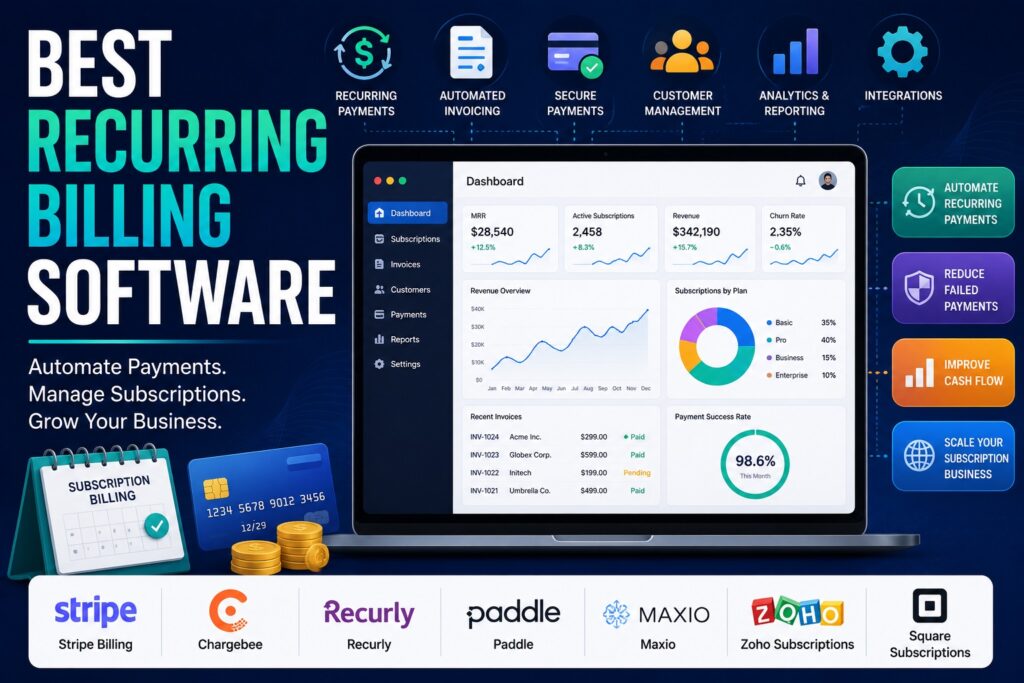
7 Best Recurring Billing Software for Subscription Businesses
7 Best Recurring Billing Software for Subscription Businesses Writer & Blogger Rahul Goswami Share Published on August 12, 2026 Read Time Approx 8 min Recurring billing software helps businesses automate subscription payments, recurring invoices, renewals, payment collection, and customer billing. Instead of manually creating invoices or following up on every upcoming payment, businesses can use recurring billing platforms to automate the entire payment cycle. This type of software is particularly useful for SaaS companies, subscription businesses, membership platforms, agencies, professional services, and other businesses that charge customers on a recurring basis. Depending on the platform, businesses can support monthly, quarterly, annual, usage-based, or customized billing models. The best recurring billing software depends on your business model, payment requirements, pricing structure, integrations, and expected growth. Stripe Billing is a strong option for businesses already using Stripe, while Chargebee is designed for subscription businesses with more complex billing requirements. Recurly focuses heavily on subscription management, Paddle is useful for SaaS companies, and Maxio provides strong subscription management and revenue operations capabilities. Zoho Subscriptions is a practical option for smaller businesses, while Square Subscriptions can work well for businesses already using Square’s payment ecosystem. In this guide, we compare seven recurring billing platforms based on subscription management, automation, payment processing, invoicing, integrations, scalability, and overall usability. Best Recurring Billing Software Compared Software Best For Main Strength Stripe Billing Flexible subscription businesses Payment and billing infrastructure Chargebee Complex subscriptions Advanced subscription management Recurly Subscription businesses Recurring revenue management Paddle SaaS companies Billing and payment infrastructure Maxio B2B SaaS Subscription and revenue management Zoho Subscriptions Small businesses Simple subscription billing Square Subscriptions Small businesses Easy recurring payments 1. Stripe Billing Is Best for Flexible Recurring Payments Stripe Billing is a recurring billing solution built into the broader Stripe payments ecosystem. It allows businesses to create subscription plans, collect recurring payments, manage invoices, and support different pricing models. One of Stripe Billing’s biggest advantages is flexibility. Businesses can create simple recurring subscriptions as well as more customized pricing structures. This makes it suitable for SaaS companies, online services, marketplaces, and other businesses where billing requirements can change as the company grows. Stripe also provides a broad developer ecosystem, making it particularly attractive to businesses with technical teams. Developers can integrate billing functionality directly into websites and applications and connect it with other Stripe services. For businesses already using Stripe for payment processing, adding recurring billing can create a more unified payment infrastructure. Key Features for Subscription Businesses Stripe Billing can support: Why Choose Stripe Billing? Stripe Billing is a strong choice for businesses that want flexibility and developer control. It can support both straightforward subscriptions and more customized billing workflows. The platform may require more technical involvement than simpler subscription billing products. Businesses without developers may therefore prefer a platform with more built-in configuration and less implementation work. 2. Chargebee Handles Complex Subscription Models Chargebee is designed specifically around subscription management and recurring revenue. It provides businesses with tools for managing subscriptions, plans, invoices, payments, and customer lifecycle events. The platform can be useful for businesses that have moved beyond simple monthly or annual subscriptions. Companies can manage different plans, pricing structures, upgrades, downgrades, renewals, and other subscription changes from a centralized system. Chargebee is particularly relevant to SaaS and subscription companies because recurring revenue often becomes more complicated as the customer base grows. A business may need multiple pricing tiers, trials, discounts, add-ons, or billing schedules. Subscription Features Chargebee provides capabilities such as: Is Chargebee Right for Growing Businesses? Chargebee is a strong option for businesses that expect their subscription model to become increasingly sophisticated. Its focus on recurring revenue makes it more specialized than basic invoicing software. However, smaller businesses with only a few simple subscription plans may not need its full range of capabilities. In those cases, a simpler billing platform can be easier to configure and manage. 3. Recurly Focuses on Subscription Management Recurly is a subscription billing platform built to help businesses manage recurring revenue and customer subscriptions. It provides tools for recurring payments, subscription plans, invoices, customer management, and payment recovery. Subscription businesses often face problems when customers’ payments fail. Recurly focuses on helping businesses manage these situations through automated payment recovery and subscription lifecycle tools. The platform can support different subscription structures, making it useful for businesses that need more flexibility than a simple recurring invoice system provides. Key Features for Recurring Revenue Recurly includes features such as: Why Consider Recurly? Recurly is a good fit for businesses where subscription management is central to their revenue model. Its focus on recurring revenue can help companies organize billing operations as their subscriber base grows. The platform is more specialized than basic payment tools, so businesses with very simple billing needs may find simpler alternatives easier to operate. 4. Paddle Is Useful for SaaS Subscription Businesses Paddle provides billing and payment infrastructure with a particular focus on software and SaaS businesses. It can help companies manage subscriptions, payments, invoices, and customer billing from a centralized platform. For SaaS companies selling software internationally, billing can involve more than simply collecting a monthly payment. Businesses may need to manage different currencies, taxes, payment methods, subscriptions, and customer lifecycle events. Paddle is designed to simplify many of these billing responsibilities. This can allow software companies to focus more on their product while using a specialized platform for payment and subscription operations. Key Features Paddle offers capabilities around: Who Should Choose Paddle? Paddle is particularly attractive to SaaS businesses that want billing and payment infrastructure designed around software subscriptions. Companies with unusual billing requirements should still evaluate the platform’s supported pricing and payment models before making a decision. 5. Maxio Is Built for B2B SaaS Billing Maxio focuses on subscription management and financial operations for B2B SaaS companies. Its platform is designed for businesses dealing with recurring revenue, subscription contracts, billing, and revenue management. B2B SaaS billing can become complicated when companies introduce annual contracts, multiple products, usage-based pricing, discounts, upgrades, and other commercial