

topsoftwareoffers.com

August 17, 2026

best rank tracking software
Software

7 Best Rank Tracking Software for SEO Success

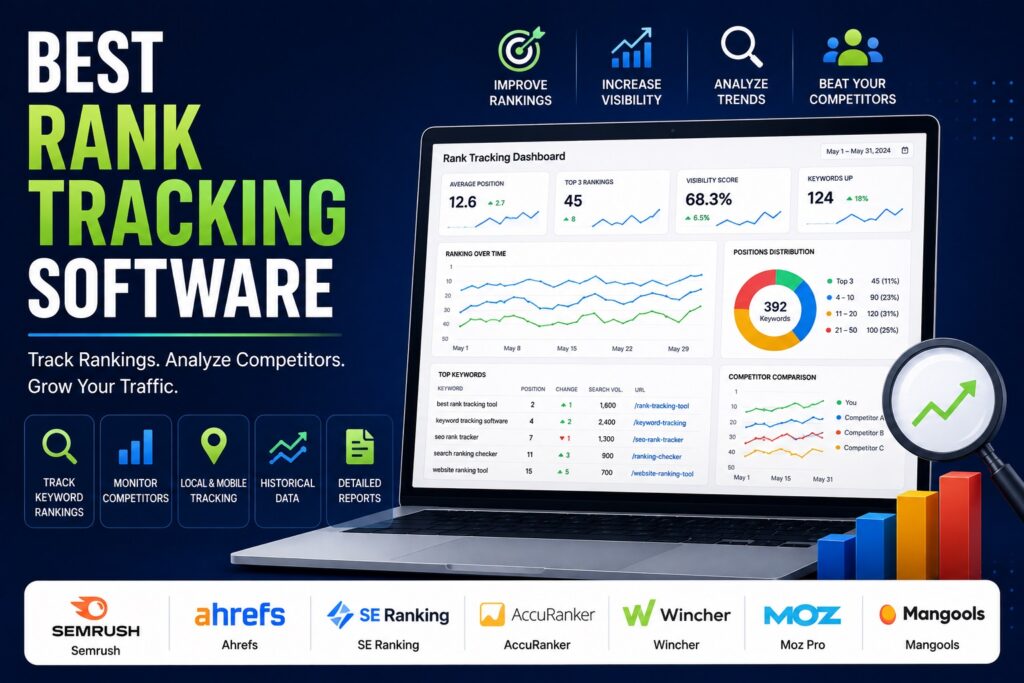
7 Best Rank Tracking Software for SEO Success Writer & Bloggerย  Rahul Goswami Share Published on August 17, 2026 Read Time Approx 8 min Rank tracking software helps SEO professionals and businesses monitor how their web pages perform in search engine results for specific keywords. Instead of manually checking Google rankings, these tools automatically track keyword positions, identify ranking changes, monitor competitors, and provide historical data that can help improve SEO strategies. Modern rank tracking platforms offer more than simple position monitoring. Depending on the tool, users can track rankings by location and device, monitor competitors, analyze SERP features, identify ranking opportunities, and create reports for clients or internal teams. The best rank tracking software depends on the size of your website, number of keywords, reporting requirements, local SEO needs, and broader SEO workflow. Semrush is a strong all-in-one choice for businesses that need rank tracking alongside keyword research and competitor analysis. Ahrefs is useful for teams focused on organic search performance, while SE Ranking offers a balanced combination of rank tracking and SEO management features. AccuRanker focuses heavily on fast and accurate rank tracking, and Wincher provides a simpler approach for businesses that primarily need keyword monitoring. Moz Pro combines rank tracking with broader SEO tools, while Mangools is an approachable option for smaller teams and beginners. In this guide, we compare seven of the best rank tracking software platforms based on keyword tracking, SERP monitoring, competitor analysis, local rankings, reporting, ease of use, and overall value. Best Rank Tracking Software Compared Software Best For Main Strength Semrush All-in-one SEO Comprehensive SEO and rank tracking Ahrefs SEO professionals Organic search analysis SE Ranking Growing businesses Flexible SEO platform AccuRanker Accurate rank tracking Fast keyword monitoring Wincher Simple rank tracking Easy-to-use tracking Moz Pro SEO teams Rank tracking and SEO insights Mangools Beginners and small teams Simple SEO workflow 1. Semrush Is a Strong All-in-One Rank Tracker Semrush is a comprehensive SEO platform that includes keyword rank tracking alongside keyword research, competitor analysis, site auditing, backlink analysis, and other SEO capabilities. Its Position Tracking tool allows users to monitor keyword rankings and understand how search visibility changes over time. Businesses can track their own performance and compare rankings with competitors, making it easier to identify areas where competitors are gaining visibility. One of Semrush’s biggest advantages is that rank tracking is part of a much broader SEO ecosystem. Instead of using one tool to monitor rankings and another to research keywords, users can connect ranking data with other SEO activities. This makes Semrush particularly useful for agencies and in-house SEO teams managing multiple campaigns. Key Features of Semrush Semrush provides: Pros and Cons of Semrush Pros Cons Semrush is best for businesses and SEO professionals who want rank tracking as part of a complete SEO workflow. 2. Ahrefs Provides Detailed Organic Search Insights Ahrefs is another widely used SEO platform that combines rank tracking with keyword research, backlink analysis, competitor research, and site auditing. Its rank tracking capabilities allow users to monitor keyword positions over time and evaluate changes in organic search performance. SEO professionals can use this information to identify successful pages, declining rankings, and opportunities for improvement. Ahrefs is particularly valuable when rank tracking needs to be combined with broader organic search analysis. For example, a marketer can identify a keyword where a page has lost visibility and then investigate competitors, backlinks, and related search opportunities. The platform is therefore more than a simple position tracker. It provides a broader environment for analyzing how websites compete in organic search. Key Features of Ahrefs Pros and Cons of Ahrefs Pros Cons Ahrefs is a strong choice for SEO professionals who want ranking data alongside deeper organic search research. 3. SE Ranking Balances Rank Tracking and SEO Tools SE Ranking is an SEO platform that places significant emphasis on keyword rank tracking while also providing tools for competitor analysis, website auditing, keyword research, and backlink management. The platform allows businesses to monitor keyword positions and evaluate ranking changes over time. Users can also track rankings based on search locations and other parameters, making it useful for businesses targeting specific geographic markets. One of SE Ranking’s advantages is its balance between functionality and usability. It provides enough features for professional SEO work without necessarily requiring users to navigate an extremely complex enterprise platform. Agencies can also use its reporting and project management capabilities to manage multiple websites and SEO campaigns. Key Features of SE Ranking Pros and Cons of SE Ranking Pros Cons SE Ranking is a good option for businesses that want dedicated rank tracking combined with other essential SEO tools. 4. AccuRanker Focuses on Fast Rank Tracking AccuRanker is designed primarily around keyword rank tracking. Unlike broader SEO platforms, it focuses heavily on helping users monitor search engine positions quickly and accurately. This specialized approach can be useful for agencies and SEO professionals that already have separate tools for keyword research, backlinks, and technical SEO but need a dedicated ranking platform. AccuRanker supports tracking across different search engines, locations, devices, and SERP features. This allows businesses to understand how rankings change across different search environments. Its reporting capabilities are also useful for agencies that need to communicate ranking performance to clients. Key Features of AccuRanker Pros and Cons of AccuRanker Pros Cons AccuRanker is best for users who want a dedicated rank tracking platform rather than a complete SEO suite. 5. Wincher Makes Keyword Tracking Simple Wincher focuses on making keyword rank tracking straightforward for businesses and SEO teams. Its interface is designed around monitoring search positions without overwhelming users with unnecessary complexity. Users can track keywords, monitor competitors, review ranking changes, and generate reports. This makes Wincher useful for businesses that primarily need to know whether their SEO efforts are improving search visibility. The platform can be especially useful for small businesses and marketers that do not require the extensive collection of tools offered by larger SEO suites. Key Features of Wincher Pros and Cons of Wincher
1password vs bitwarden
Software

1Password vs Bitwarden: Which Password Manager Is Better?

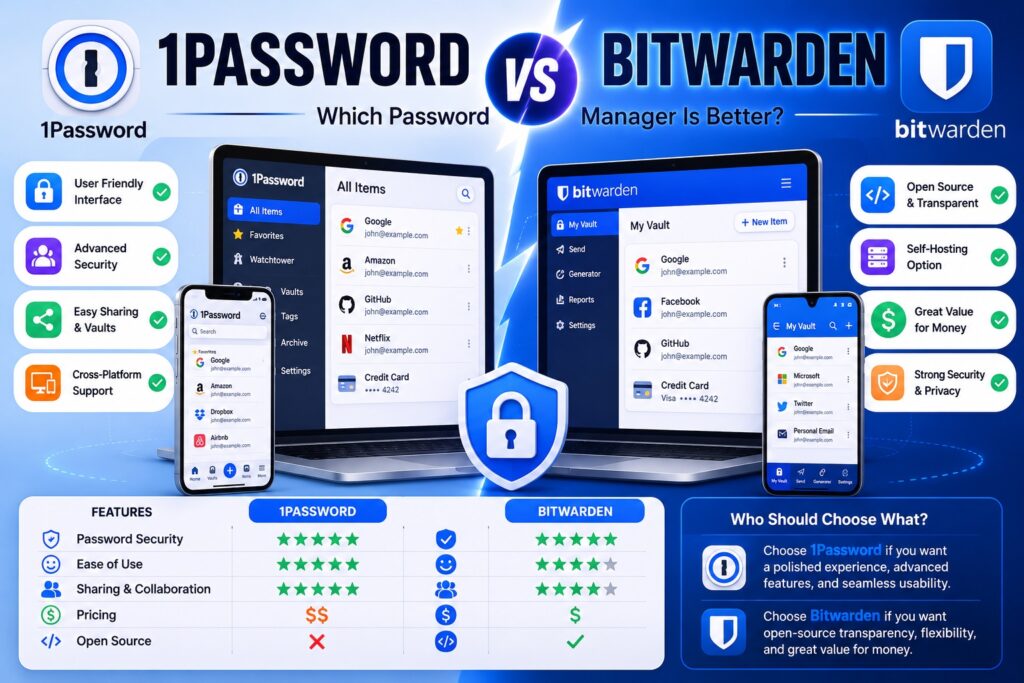
1Password vs Bitwarden: Which Password Manager Is Better? Writer & Bloggerย  Rahul Goswami Share Published on August 17, 2026 Read Time Approx 8 min 1Password and Bitwarden are two popular password managers designed to help users securely store passwords, payment information, secure notes, and other sensitive data. Both tools use encryption to protect stored information and provide features that make it easier to create, manage, and use strong passwords across websites and applications. Although they solve the same basic problem, 1Password and Bitwarden take different approaches. 1Password focuses on a polished user experience, advanced security features, convenient organization, and a feature-rich ecosystem for individuals, families, and businesses. Bitwarden is known for its open-source approach, flexible features, broad platform support, and strong value for users who want extensive password management capabilities. The better option depends on what you prioritize. 1Password can be attractive to users who want an intuitive interface and a highly polished experience, while Bitwarden may appeal to privacy-conscious and technically experienced users who value transparency and customization. In this guide, we compare 1Password vs Bitwarden based on security, password management, ease of use, sharing, cross-platform support, features, and overall usability. 1Password vs Bitwarden Compared Feature 1Password Bitwarden Best For Polished password management Flexible and open-source password management Security Strong encryption and security features Strong encryption and open-source approach Ease of Use Excellent Very Good Password Generator Yes Yes Autofill Yes Yes Secure Notes Yes Yes Password Sharing Strong Strong Cross-Platform Support Excellent Excellent Open Source No Yes Self-Hosting No Yes Browser Extensions Yes Yes Best For Businesses Teams and organizations wanting a polished experience Organizations wanting flexibility and control What Makes 1Password a Strong Password Manager? 1Password is designed to make password management secure while keeping the everyday experience simple. Instead of remembering dozens of passwords, users can store credentials in an encrypted vault and use the application or browser extension to automatically fill login information. The platform supports more than passwords. Users can store secure notes, payment information, identity details, software licenses, and other sensitive information in organized vaults. This makes 1Password useful as a broader digital information manager rather than simply a password storage application. One of 1Password’s major strengths is its user experience. The interface is designed for people who may not have extensive technical knowledge, making it relatively easy to organize information, search vaults, generate passwords, and access credentials across devices. 1Password also provides features for families and organizations. Shared vaults can help teams or family members securely access information without sending passwords through email or messaging applications. Key Features of 1Password 1Password provides features such as: Why Choose 1Password? 1Password is a strong choice for users who want a polished password management experience without having to configure many technical settings. Its organization features can also make it easier to manage large collections of credentials. Users can separate personal and professional information and create shared vaults when multiple people need access to selected credentials. The main consideration is that users who specifically want an open-source password manager or self-hosting capabilities may find Bitwarden more appealing. What Makes Bitwarden a Strong Password Manager? Bitwarden is a password management platform known for combining strong security features with an open-source approach. It allows users to store passwords and sensitive information in an encrypted vault and access them across supported devices and browsers. One of Bitwarden’s biggest differences from 1Password is its open-source nature. Its source code is publicly available, which allows the broader security and developer community to inspect and evaluate the software. Bitwarden also offers flexibility for technically experienced users. In addition to its hosted service, Bitwarden provides self-hosting capabilities, giving organizations and individuals greater control over where their password management infrastructure operates. The platform supports password generation, autofill, secure notes, identity information, payment information, sharing, and other password management functions. Key Features of Bitwarden Important Bitwarden features include: Why Choose Bitwarden? Bitwarden is particularly appealing to users who value transparency, flexibility, and control. Its open-source model differentiates it from many proprietary password managers. Self-hosting can also be useful for technically capable users and organizations that want greater control over their infrastructure. However, users who prioritize a highly polished interface and a simpler experience may prefer 1Password. 1Password vs Bitwarden: Which Is More Secure? Security is the most important consideration when choosing a password manager because the application protects credentials for many other accounts. Both 1Password and Bitwarden are designed around strong encryption and secure vault architecture. They are intended to ensure that sensitive information remains protected while stored and synchronized between devices. 1Password uses a security architecture designed to protect vault data, while Bitwarden combines encryption with its open-source development model. Bitwarden’s source availability gives security-conscious users and researchers an opportunity to examine how the software works. However, security does not depend only on the password manager. Users also need to protect their master credentials, enable available multi-factor authentication options, keep applications updated, and avoid sharing sensitive information through insecure channels. For most users, both platforms provide a strong foundation for password security. Winner: Tie. Both offer strong security approaches, with Bitwarden having an additional advantage for users who value open-source transparency. 1Password vs Bitwarden: Which Is Easier to Use? Ease of use is one area where 1Password has a strong advantage. 1Password is designed around a polished interface that makes it relatively easy to create vaults, organize credentials, generate passwords, and use browser autofill. The experience is designed to minimize the amount of technical knowledge required from users. Bitwarden is also straightforward for everyday password management, but some of its additional options and settings can make the platform feel more technical. This is not necessarily a disadvantage. Experienced users may appreciate having more control over how the system is configured. For someone who simply wants to install a password manager and start saving passwords, 1Password may provide a smoother experience. Bitwarden is still accessible to beginners but can be particularly attractive to users who want additional flexibility. Winner: 1Password. 1Password vs Bitwarden: Which

Scroll to Top